
A new online ordering system will not help much if customers keep landing on your old GloriaFood page.
This is one of the easiest migration mistakes to make. Restaurants often remember the main website button. Then they forget the QR code on the counter, the Instagram bio, an old receipt template, or the order link on Google.
Hungry customers do not troubleshoot broken links. They leave.
Find Every Existing Link
Before switching, create a list of every place your GloriaFood link appears. Start with everything digital:
- Website header and navigation
- Homepage order buttons
- Menu pages
- Website footer
- Google Business Profile
- Facebook page
- Instagram and TikTok bios
- Yelp
- Email templates
- SMS campaigns
Then walk your restaurant and write down every printed link:
- Receipts
- Table tents
- Window signs
- Flyers
- Printed menus
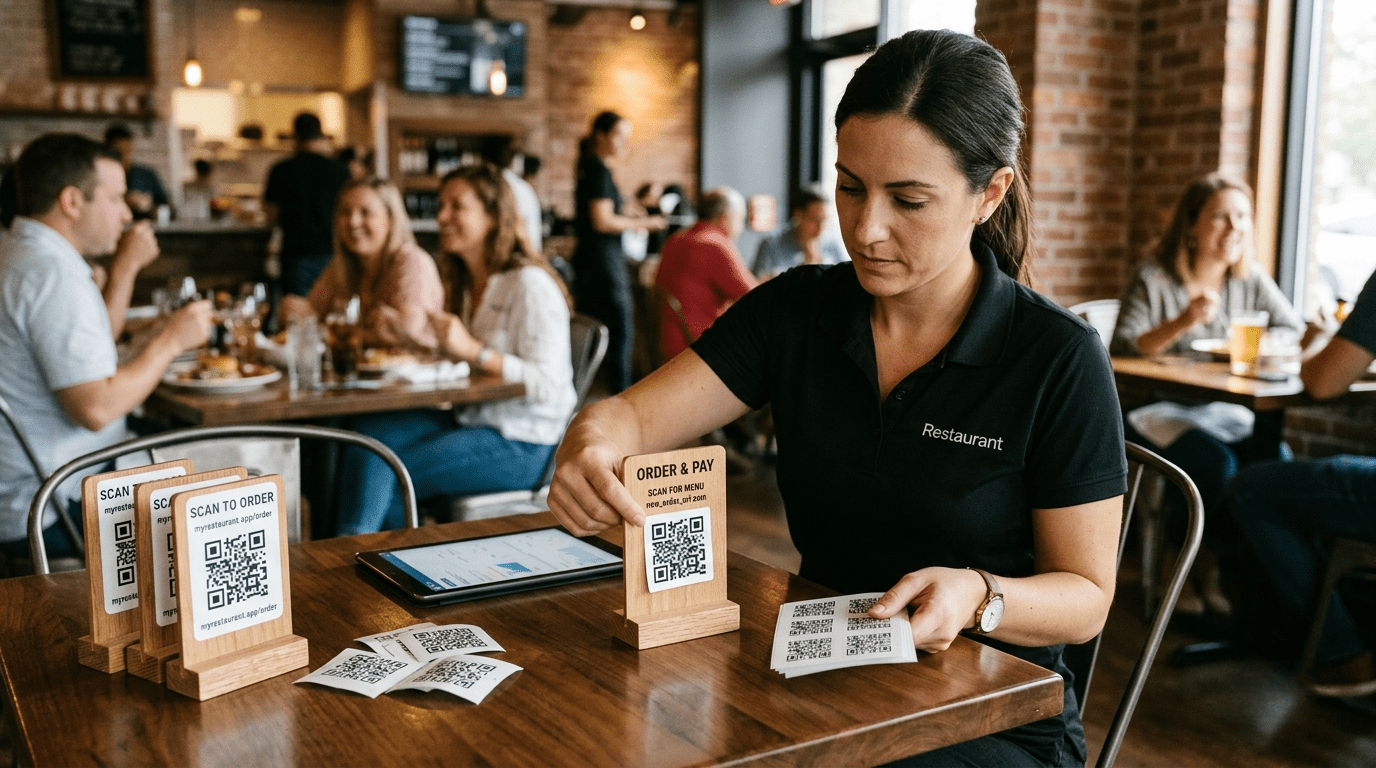
- QR codes
Pro Tip: The existing Applova migration checklist recommends tracking the location of each old link and the new link that will replace it.
Create a Better QR Code Setup
Generate a fresh QR code for your new ordering page.
Before printing hundreds of copies, test it on several phones. Check both iPhone and Android devices. Test it using cellular data instead of relying only on the restaurant’s Wi-Fi.
Make sure the QR code opens the correct location and menu. For multi-location restaurants, avoid using one code for every store unless customers can clearly select the right location.
Update Everything at Once
Assign one person to manage the link change.
Once the new system has passed testing, update the website, Google Business Profile, social pages, and digital campaigns during the same scheduled period. Then replace printed materials.
Warning: Keep the old GloriaFood system active during testing. Do not take it down before confirming that the new checkout, payment, and order notification process works.
Watch the First Week
After launch, monitor:
- Website clicks
- Incoming online orders
- Customer questions
- Failed payments
- Orders reaching the wrong location
- Old links still receiving traffic
Search your restaurant name on Google and place a real order as a customer would.
The migration is not complete until every road leads to your new ordering page.