What Is a Restaurant Ordering Kiosk?
A restaurant ordering kiosk is a self-service, touch screen system that allows guests to browse the menu, customize their order, and pay without waiting at the counter.
Unlike traditional register-based ordering, a restaurant self ordering kiosk shifts the ordering interaction from staff-led to guest-led.

Orders are automatically sent to the kitchen display system or printers, just like counter transactions.
But here’s where confusion often happens.
Many vendors focus heavily on hardware. The screen. The stand. The physical unit.
In reality, the value of a restaurant ordering kiosk comes from the software behind it. The ordering logic. The modifier structure. The upsell engine. The POS integration.
Strong operators evaluate the ordering kiosk system first. Hardware is secondary.
How Restaurant Ordering Kiosks Work
A modern food ordering kiosk operates as an extension of your POS system.
Here's how it works step by step.
Ordering Kiosks vs Counter Ordering
Operators comparing solutions often ask: is a kiosk better than counter ordering? The answer depends on volume, customization, and growth goals.
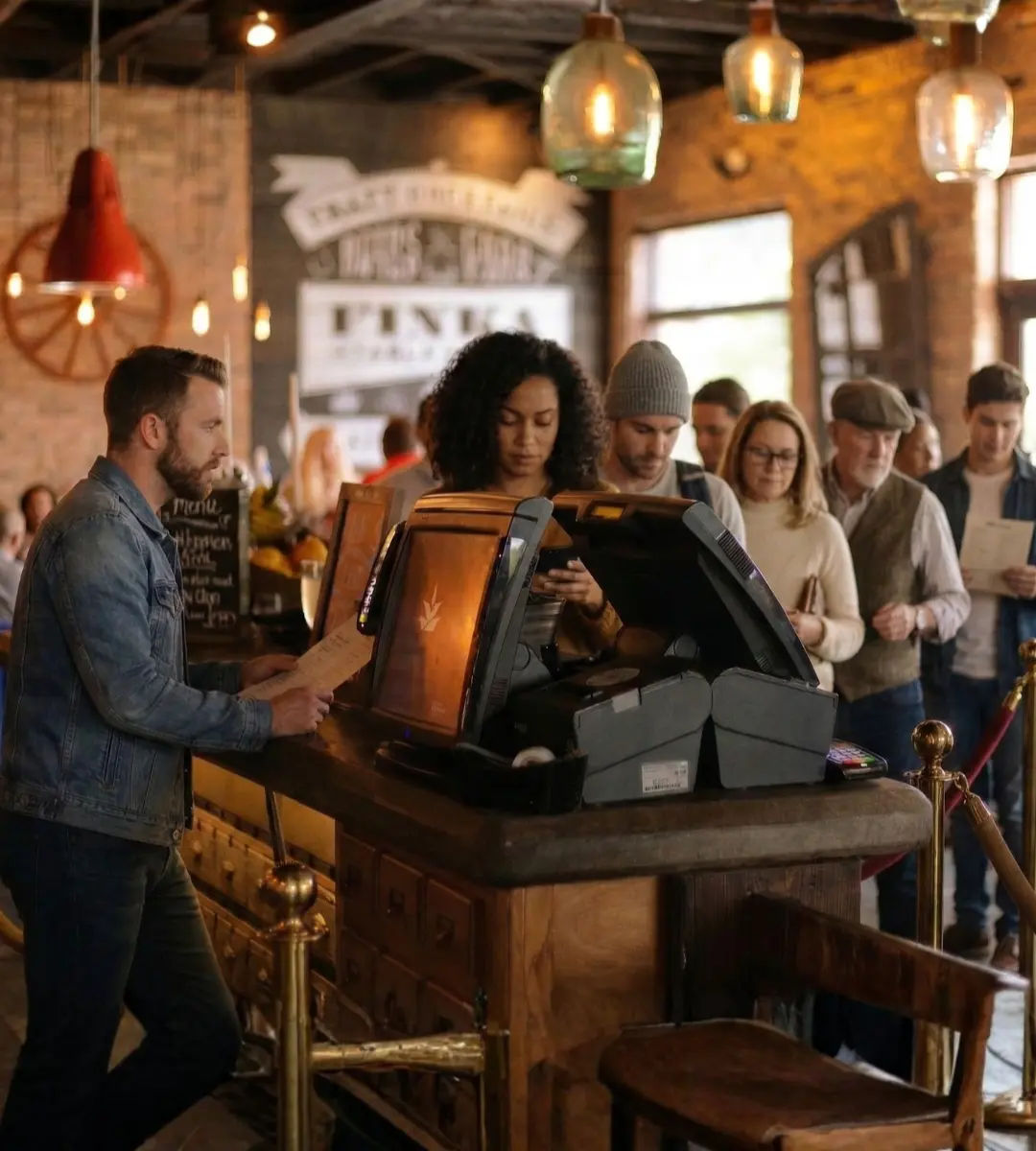
Counter Ordering
Counter Ordering Strengths
Counter Ordering Limitations
When volume increases, these weaknesses become visible quickly.
Restaurant Ordering Kiosks
Restaurant Ordering Kiosks Offer:
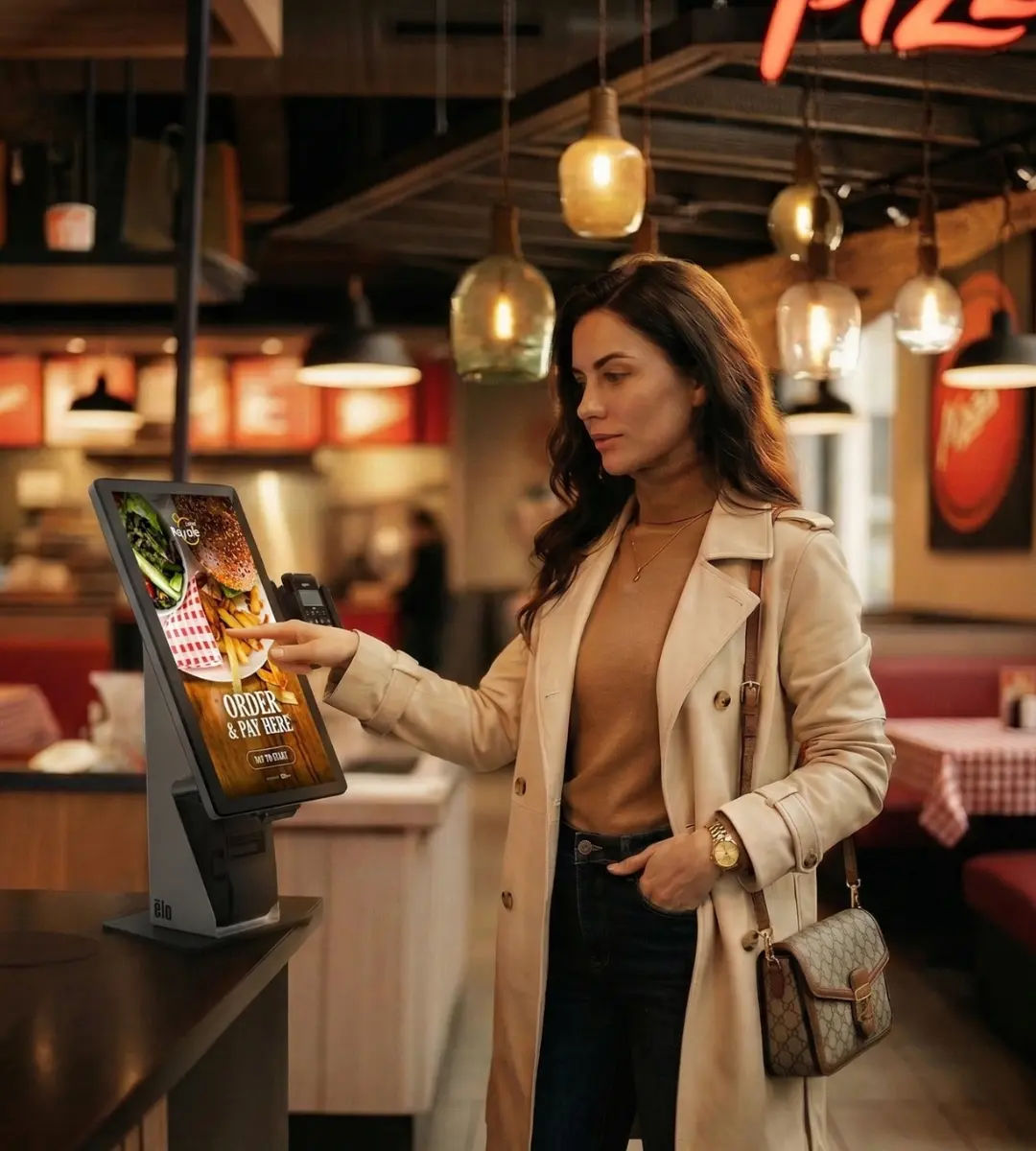
The result is not just faster ordering. It’s operational stability.
Many operators choose a hybrid approach, using kiosks alongside staffed registers. This keeps hospitality intact while increasing throughput.
Benefits for Restaurant Owners
A restaurant ordering kiosk impacts revenue, labor efficiency, and guest experience at the same time.
1. Higher Average Order Value
Restaurants frequently report 20–30% increases in ticket size after implementing an ordering kiosk system.
Why?
Because kiosks:
- Present every add-on visually
- Promote combos consistently
- Offer upgrades automatically
- Remove the variability of human upselling
Every guest sees the same offers.
2. Faster Throughput During Peak Hours
Lines cost money.
A restaurant self ordering kiosk increases the number of active ordering points without expanding your counter.
Instead of one register handling transactions, multiple kiosks allow parallel ordering. That means:
- More orders per hour
- Reduced visible lines
- Improved guest satisfaction
Peak performance becomes more predictable.
3. Reduced Order Errors
Miscommunication at the counter leads to remakes. With a food ordering kiosk, guests select modifiers directly and confirm their order before paying.
Clear selections reduce kitchen mistakes and protect margins.
4. Better Labor Allocation
Self-ordering doesn’t eliminate staff. It reallocates them.
Instead of focusing heavily on order-taking, staff can prioritize:
- Food preparation
- Quality control
- Hospitality
- Order fulfillment
In high-volume environments, that shift improves overall service flow.






Hear Why
Our Customers
Choose Us
"We didn't want to deal with long lines or order mistakes later, so, we started with Applova kiosks and POS right from day one."
Shahana Sulthana
Owner
I Love Mochi, Coralville, IA
Where Ordering Kiosks Work Best
Not all restaurants operate the same way. The impact of a restaurant ordering kiosk varies by format.
-
Quick Service Restaurants (QSR)High volume. Speed matters.Kiosks increase transaction capacity and reduce line congestion during rush.
-
Fast Casual ConceptsCustomization heavy.An ordering kiosk system handles modifiers clearly while boosting ticket size with add-ons and bundles.
-
Pizza RestaurantsComplex builds and large family orders.A restaurant self ordering kiosk manages half-and-half logic and multi-item transactions more smoothly than verbal ordering.
-
Cafés and Beverage ShopsHigh frequency, lower ticket.Kiosks increase upsell consistency on pastries, add-ons, and premium upgrades.
-
Food Halls and High-Traffic VenuesAirports, campuses, stadiums.Parallel ordering is critical. A food ordering kiosk allows guests to move through quickly without overwhelming staff.
Choosing the Right Restaurant Ordering Kiosk
Software First, Hardware Second
Many vendors emphasize hardware specs. The real differentiator is the ordering kiosk system software:
• Modifier flexibility
• Upsell logic
• POS integration
• Reporting capabilities
• Multi-location management
Strong software drives revenue. Hardware simply enables it.
UX and Throughput
Look for:
• Clean layouts
• Large buttons
• Minimal steps
• Fast checkout
Seconds saved per order compound during peak periods.
Real-Time POS Integration
A restaurant ordering kiosk must integrate tightly with your POS so:
• Inventory stays synced
• Reporting remains unified
• Pricing stays accurate
• Orders route seamlessly
Disconnected systems create operational friction.
Scalable SaaS Architecture
A SaaS-based restaurant self ordering kiosk allows:
• Remote updates
• Automatic improvements
• Centralized management
• Cross-location consistency
Modern restaurant groups prioritize scalability.
Kiosk Placement & Revenue Performance
The placement of your restaurant ordering kiosk directly impacts throughput, upsell exposure, and overall revenue lift. Choosing the right format depends on your layout, traffic flow, and peak-hour volume.
.webp)
Countertop
Compact and efficient, countertop kiosks work well in tighter restaurant layouts or near existing registers.
Best for:
- •Smaller footprints
- •Cafés and fast casual concepts
- •Add-on ordering near pickup counters
Countertop placement is ideal for capturing last-minute upgrades, drink add-ons, and impulse items without disrupting your existing setup.

Wall-Mounted
Wall-mounted kiosks keep pathways clear while expanding ordering capacity.
Best for:
- •High-traffic QSR layouts
- •Narrow dining areas
- •Restaurants with defined entry flows
By moving ordering off the counter and onto the wall, you reduce congestion and increase parallel transactions during rush hours.
.webp)
Floor-Standing
Floor-standing restaurant self ordering kiosks offer the highest visibility and strongest upsell exposure.
Best for:
- •High-volume locations
- •Multi-unit operators
- •Food halls, campuses, and airport venues
These units maximize throughput and give guests a clear starting point for ordering. During peak hours, they significantly increase transaction capacity and average ticket performance.
The right placement turns your kiosk into a revenue-generating asset, not just an ordering tool.
Request a demoWhy Operators Are Investing in Ordering Kiosks Now
Consumer behavior has shifted. Guests are comfortable with touch screens in retail, grocery, airports, and national chains. At the same time:
A restaurant ordering kiosk improves throughput and average ticket size without expanding payroll.
It’s a revenue tool and an operational stabilizer.