Fast, Professional Catering & Event Invoices — With Payments in Minutes
Send branded invoices instantly, get paid online, and track every order from the Applova Portal — fast, simple, all in one place.

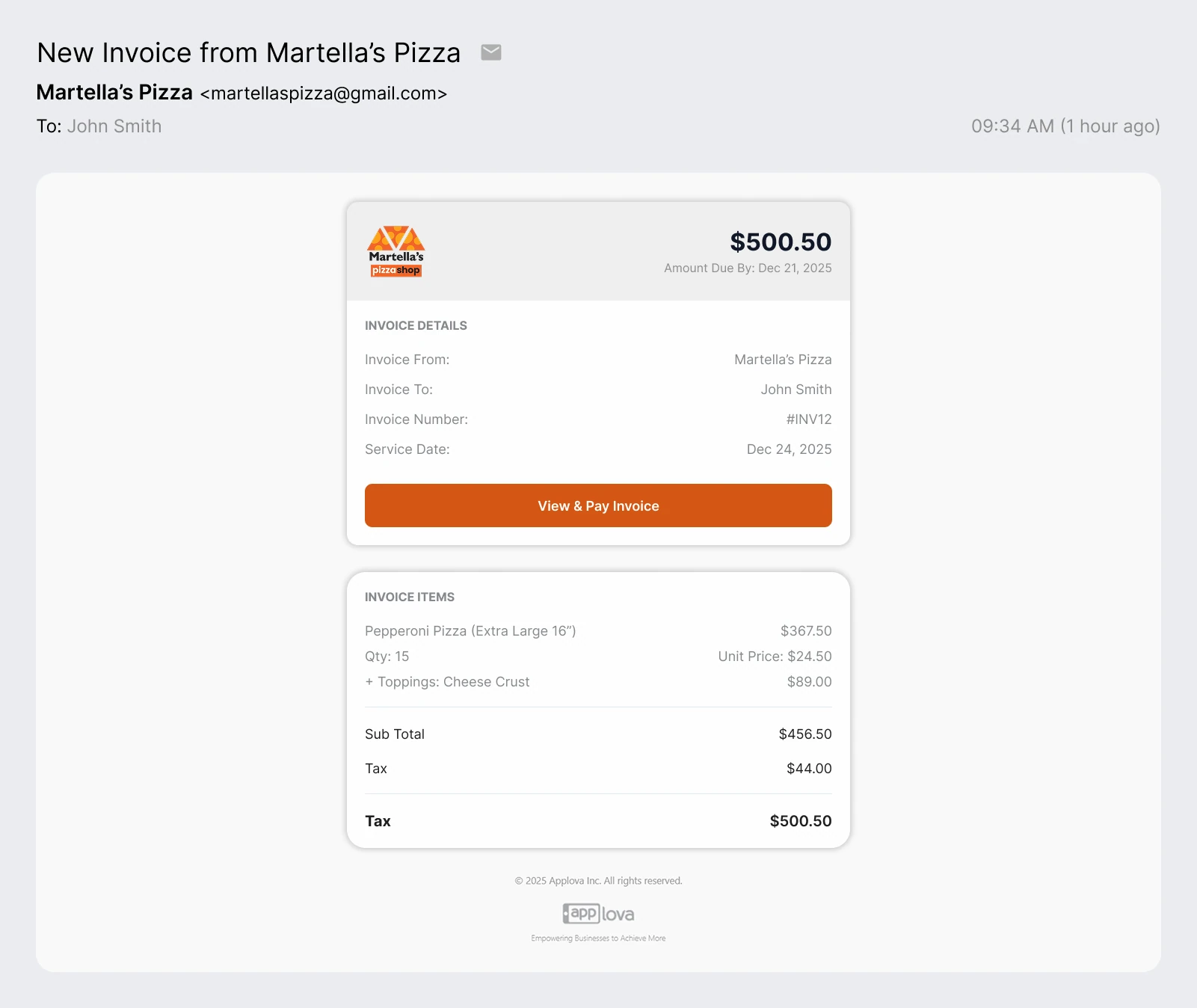
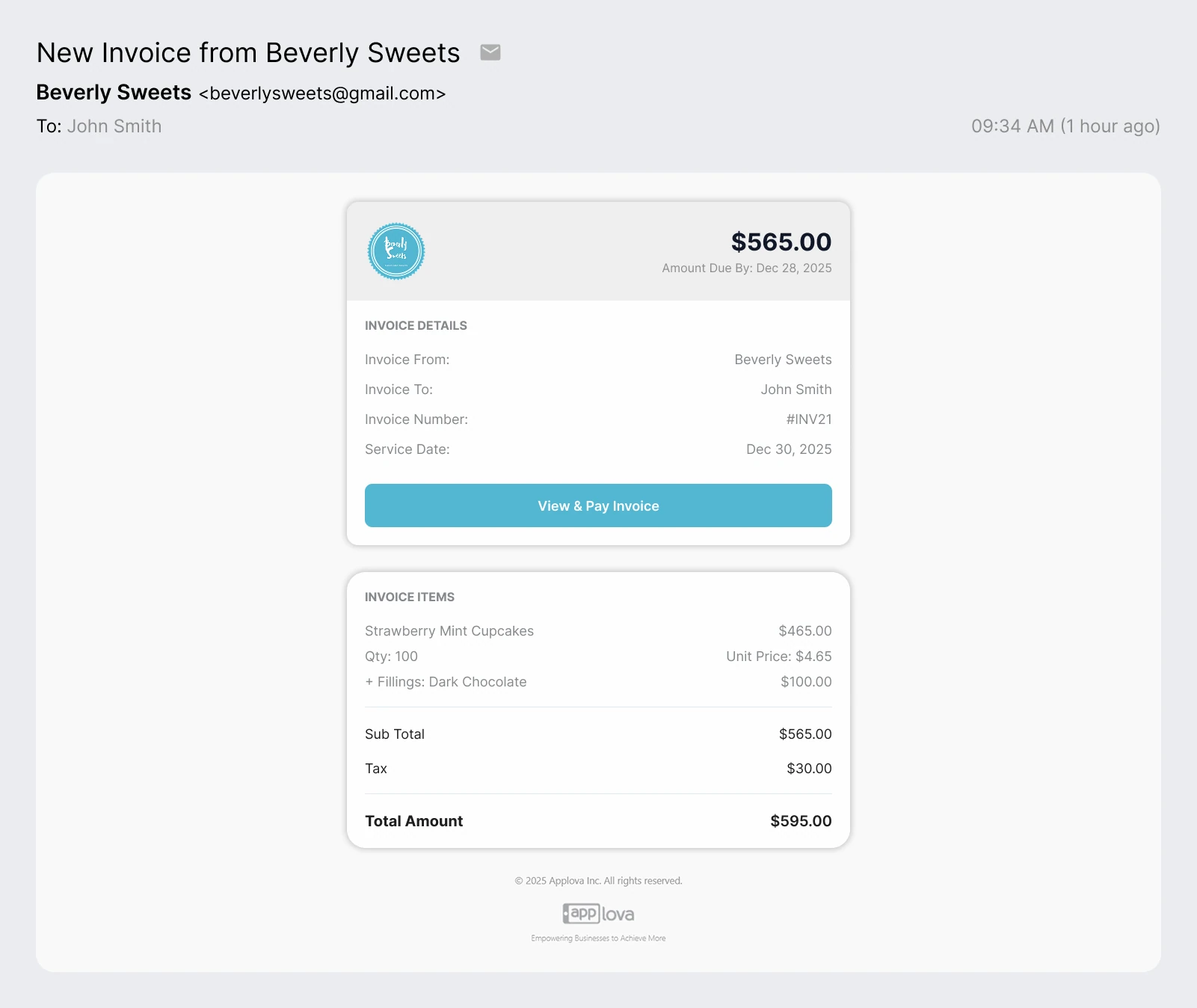
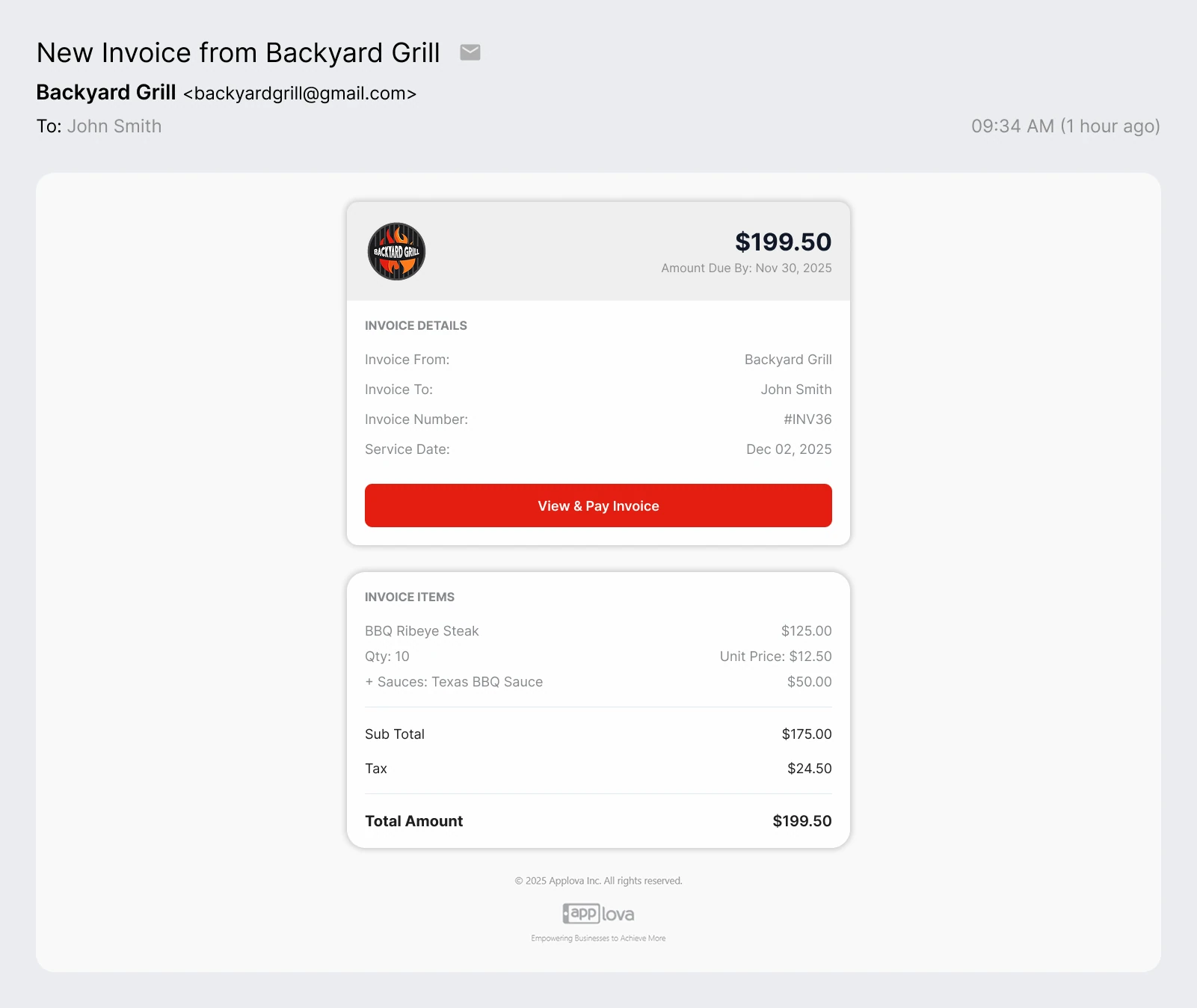
$829.82
Amount Due By: December 25, 2025
INVOICE DETAILS
|
Why Invoicing Matters for Your Restaurant
Catering orders come with custom items and add-ons — Applova converts them into clear, accurate invoices with instant online payment.
Clear & Accurate Invoices
Transform complex catering orders with custom items and add-ons into professional, easy-to-understand invoices that your clients will appreciate.
Instant Online Payments
Get paid faster with integrated online payment processing. Clients can pay invoices immediately, reducing payment delays and improving cash flow.
Complete Order Tracking
Track every invoice, payment, and order status from one centralized dashboard. Stay organized and never lose track of your catering business.
Get Paid in 4 Easy Steps
From invoice creation to payment confirmation — all in minutes, not days.
Build professional invoices in your Merchant Portal with all order details.
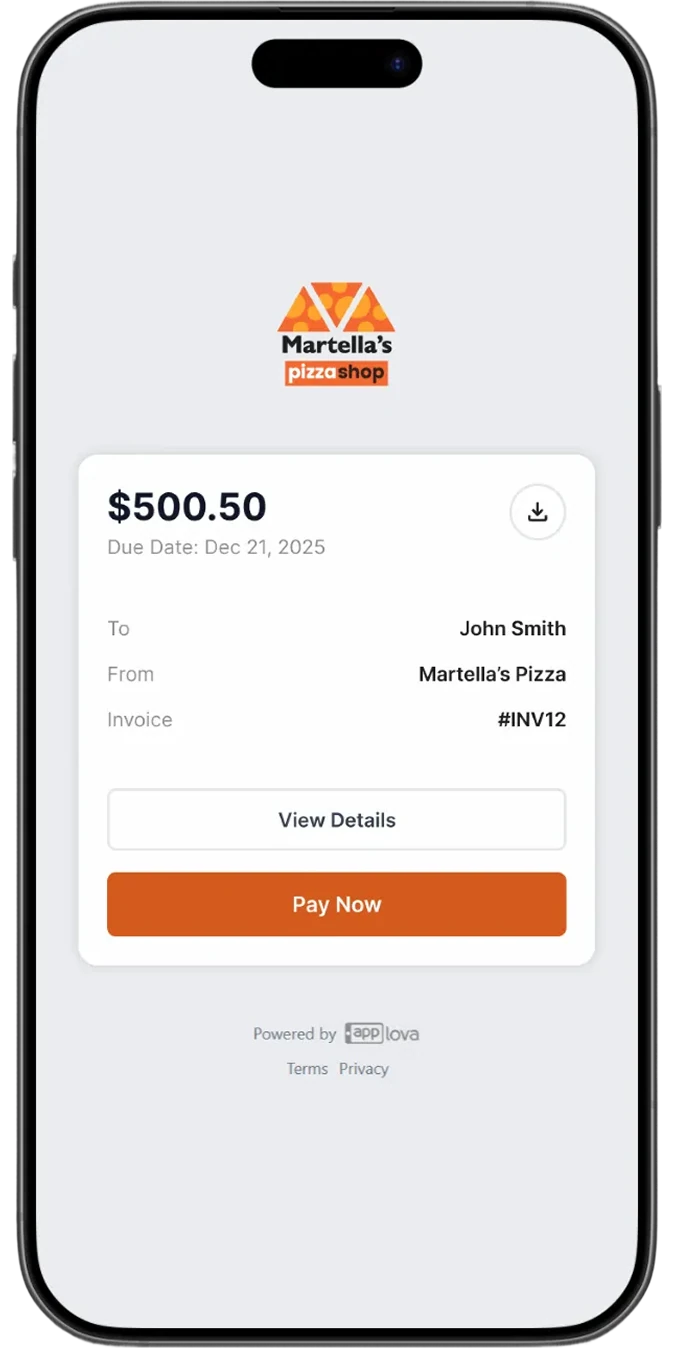
Customer receives the invoice via email with a secure payment link.
Customers pay online with multiple payment options and no logins required.
Get notified immediately when payment is received.
Powerful Features Built for Restaurants
Everything you need to manage invoicing and payments
Automatic Payment Reminders
Set and forget — auto reminders notify customers about unpaid invoices.
Granular Invoices
Set invoices as paid, cancel or schedule them for future.
Multiple Recipients
Include finance managers or sponsors who need copies of invoices.
Custom Terms & Taxes
Configure custom settings, payment terms, fees, and taxes for your restaurant's needs.
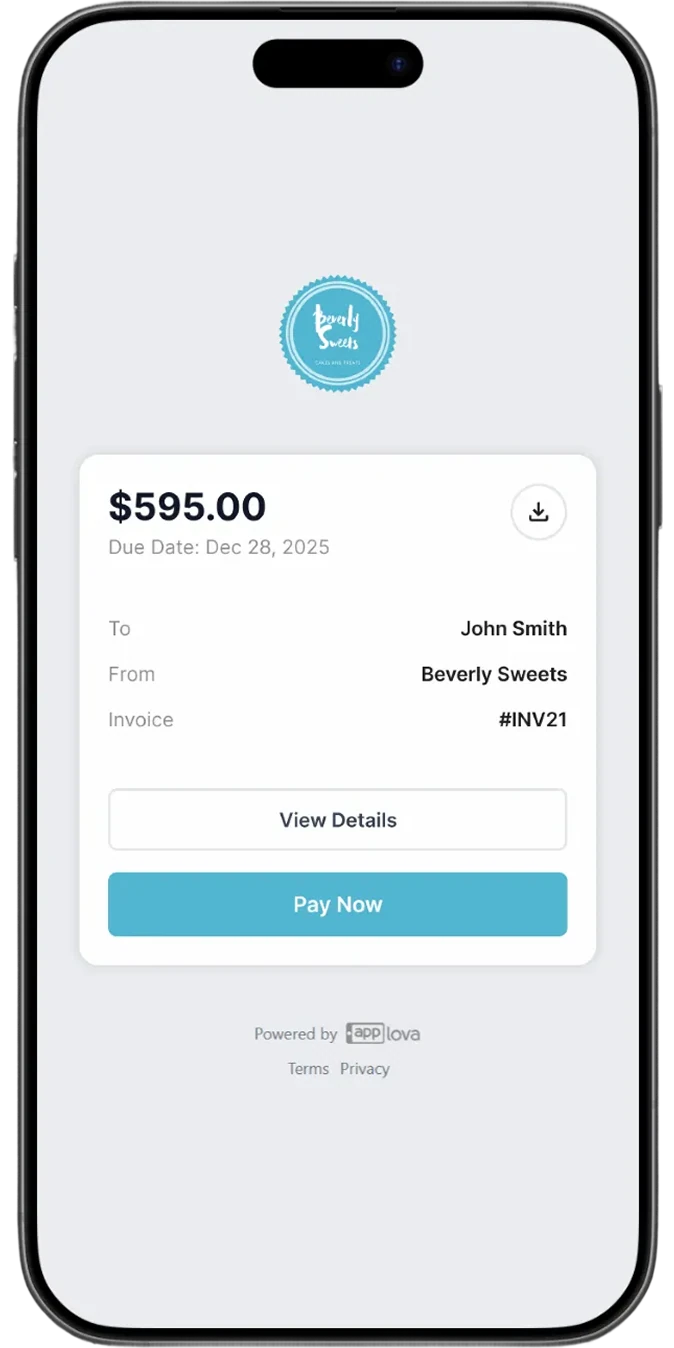
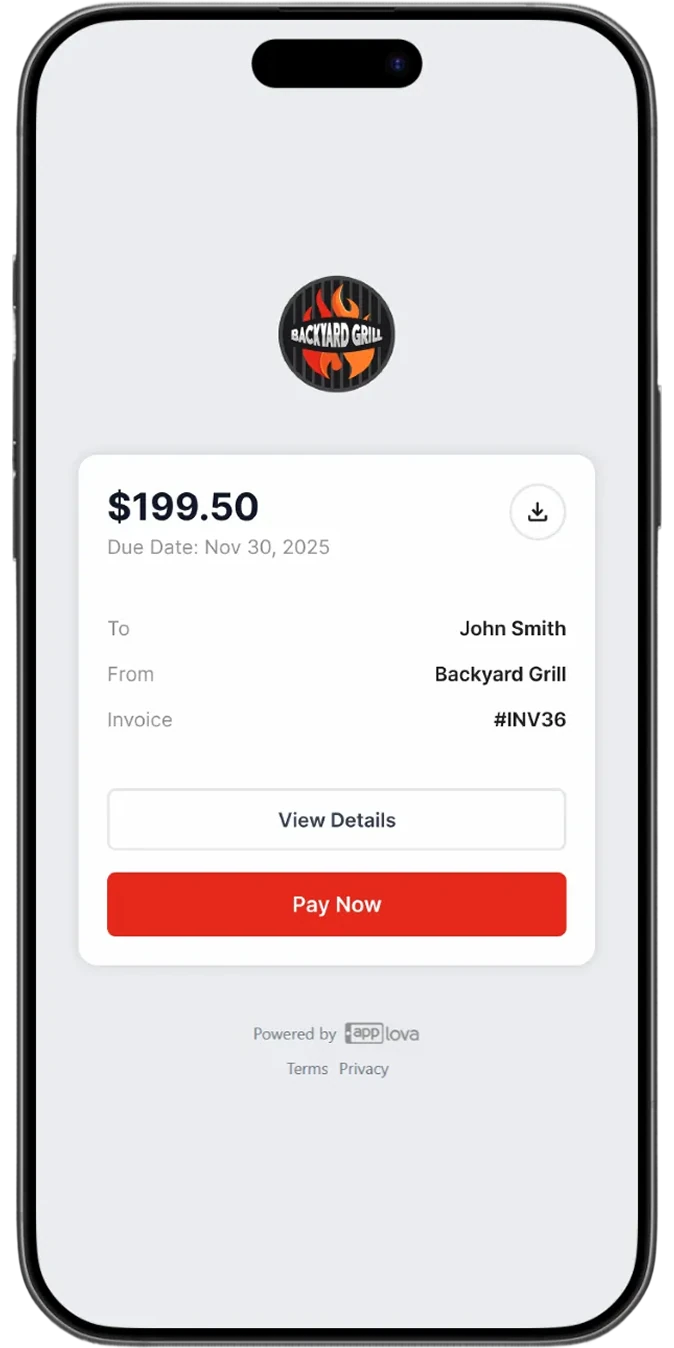

One Dashboard for All Your Invoices
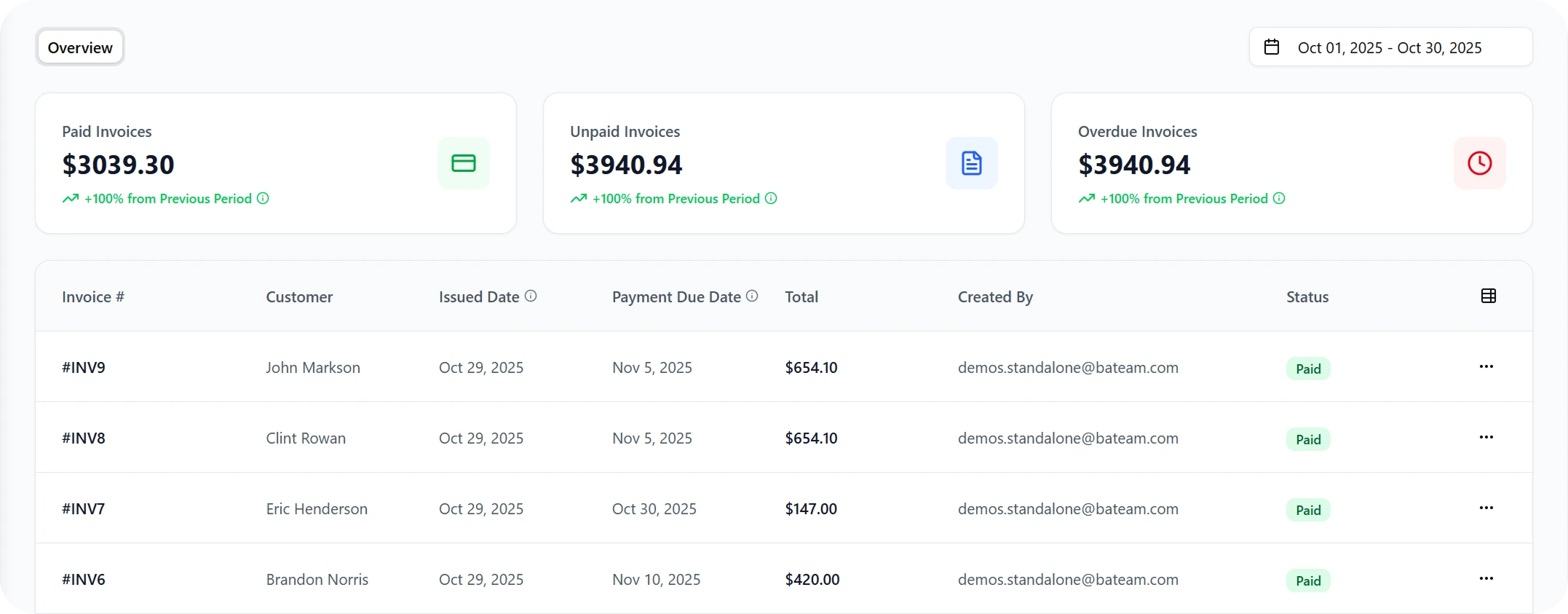
- Track revenue growth and top customers at a glance
- View clear payment statuses — Paid, Pending, or Overdue — with ease
- Take quick actions: send reminders, schedule invoices, or download PDFs
- Filter invoices by date, customer, event to find any invoice instantly
Stay on Top of Every Payment
Get a complete view of your invoicing performance with total summaries for Paid, Unpaid, and Overdue invoices. Filter by payment status to instantly see which customers have settled their bills — and who still owes you.
Why Choose Applova?
Built specifically for restaurant and catering businesses
Restaurant-First Design
Applova was built from the ground up for catering businesses — designed to simplify how you invoice and get paid.
Fast Payments
Skip the delays and get your money faster with secure, automated digital payments.
24/7 Support
Our support team is always available to help you succeed with invoicing and payments.
Frequently Asked Questions
Everything you need to know about Applova Invoicing
Creating an invoice is simple. Log into your Merchant Portal, navigate to the Invoicing section, and click "Create New Invoice." Add your customer details, line items, and any custom terms or fees. Once you're ready, click "Send" and your customer will receive a professional, branded invoice via email with a secure payment link.
Your customers can pay invoices using all major credit and debit cards. No account creation or login is required — they simply click the payment link in the email and complete the transaction securely in seconds.
You can set up automatic reminders for upcoming, due, or overdue invoices. The system will send friendly email reminders to your customers at intervals you choose, helping reduce late payments without any manual follow-up on your part.
Payments are processed immediately when customers pay their invoices. You'll receive instant confirmation, and funds are typically deposited into your bank account within 1-2 business days, depending on your payment processor settings.
- Create & send invoices in seconds
- Accept online payments instantly
- Add custom pricing, fees, and add-ons
- Track all invoice statuses in real time
- Send via email or SMS
- Automated reminders for unpaid invoices
- Fully branded invoice templates
- Centralized financial reporting
- Ideal for catering, events, bulk orders, and recurring clients
Applova supports all catering and event workflows including weddings, corporate lunches, school events, church gatherings, birthday parties, community events, large private orders, and recurring meal-prep bookings. If your business handles big or custom food orders, Applova can invoice it.
Still have questions?